MCP vs. Connectors: Two Paths for an AI Agent to Reach External Systems
MCP and Connectors are often mentioned together when an AI Agent needs to work with external systems. Both can expose capabilities beyond the Agent itself, but they solve different problems.
In short, MCP is closer to a set of tools an Agent can call while doing work. A Connector is closer to a two-way channel that carries a user's identity, messages, and events into and back out of the system. Keeping those responsibilities separate prevents account authorization, message entry points, and tool calls from becoming one indistinct layer.
Start With a Real Task
Suppose an employee wants an Agent to review customer emails each day, extract action items, and send the result to a team chat.
That task has at least three kinds of work:
- Receive or read the email.
- Analyze its content and produce action items.
- Send the result to a specific messaging channel.
If the mail system or chat channel must actively push new messages into xAgent and bind each user's own account or authorization, a Connector is the right fit for that channel. If the Agent needs to search, query, or call an external service while it is executing the task, MCP is a better source of discoverable, loadable tools.
The two can work together: a Connector brings the task and authorization into xAgent, while MCP or built-in Tools provide operations during task execution.
MCP: Tools Available When a Task Needs Them
MCP is about letting an Agent call external capabilities after it has begun working on a task. That may mean looking up information, reading data from a business system, creating a record, or carrying out a specialized operation.
From the task's perspective, MCP answers:
“What capability do I need to call to complete this task?”
It is designed to be discovered, loaded, and called in the current context. Not every MCP Tool needs to be loaded when a session begins. xAgent discovers capabilities on demand based on the task and current availability, reducing irrelevant context.
MCP does not normally maintain a persistent path for external systems to push messages into xAgent, nor does it inherently define which existing user account an operation represents. Those are Connector concerns.
Connectors: User Identity, External Events, and Two-way Channels
A Connector is not primarily about a single Tool call. It maintains the user connection between an external system and xAgent.
From the product perspective, it answers:
“Who is connecting under which identity? How do new events enter the system? How do results return to the original system?”
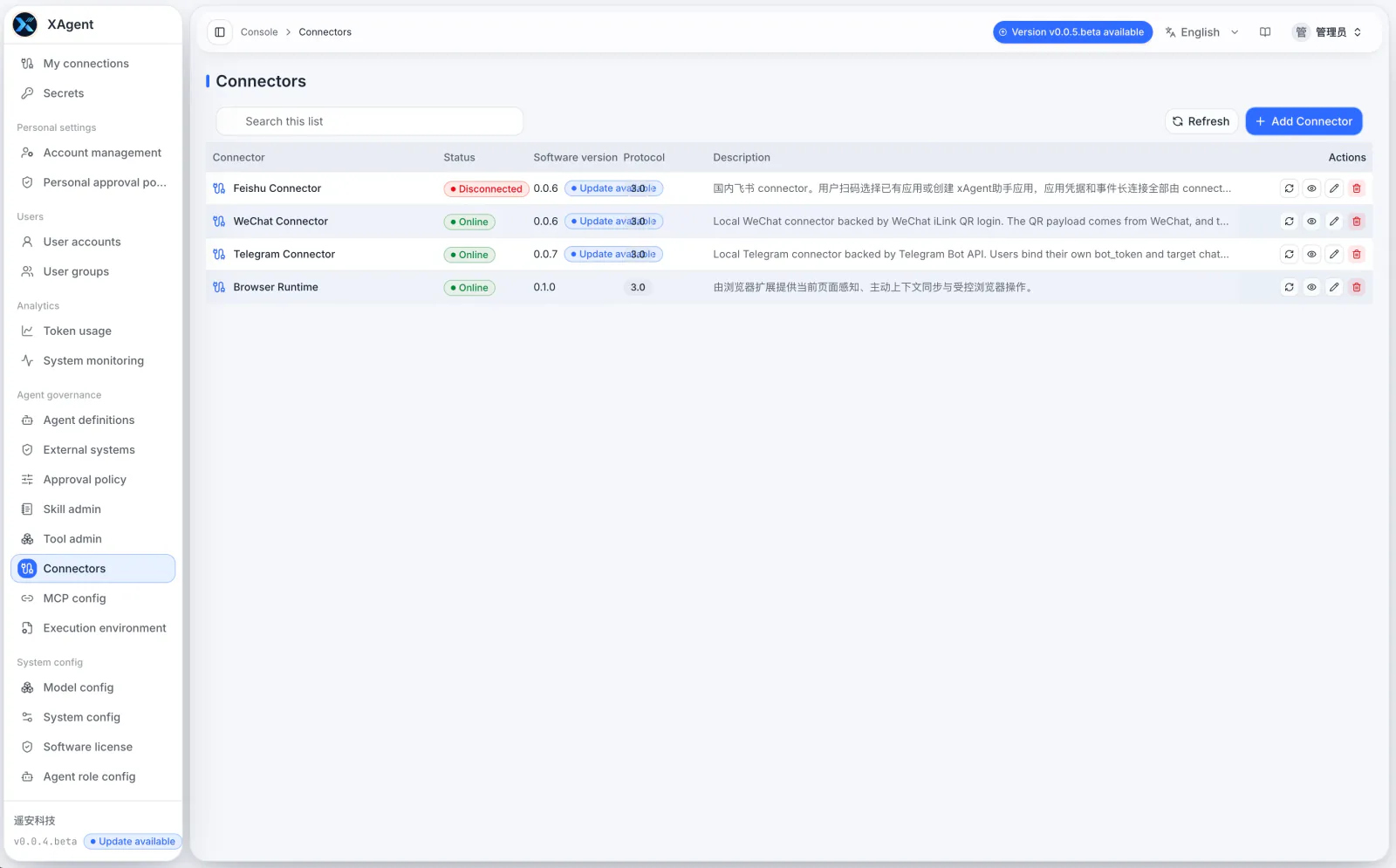
A Connector can handle user authentication, connection and channel state, incoming messages and files, returning results to the source system, and reporting which capabilities are currently available. WeChat, Telegram, Feishu, and future internal business systems fit this category.
Actual data permissions remain under the external system's own account and authorization model. An xAgent approval policy decides whether xAgent should carry out an action; it does not replace the data permissions of a CRM, mail system, IM platform, or any other source system.
You Usually Do Not Need to Choose Only One
Use this table as a starting point:
| Problem to solve | Better starting point |
|---|---|
| Query or call an external capability on demand during a task | MCP or a Tool |
| Let an external system actively push messages, files, or events to an Agent | Connector |
| Let a user work through their existing account and authorization in another system | Connector |
| Return results or confirmed operations to the source system | Connector, sometimes with MCP or a Tool |
| Provide a reusable capability for many tasks | MCP, a public Tool, or a public Skill |
In practice, a Connector, MCP, and Skill often work as a set: the Connector maintains user connections and event entry points, MCP provides business tools, and a Skill organizes those capabilities into a task method for users.
Do Not Ask the Model to Guess Authorization Boundaries
Whether you choose MCP or a Connector, external-system permissions should not be left to the model to infer. At a minimum, define:
- Which account and authorization a connection uses.
- Which operations are read-only and which change external data.
- Which actions need user or administrator approval.
- What happens when a connection fails, credentials expire, or health checks fail.
xAgent handles these concerns separately: Connectors own connection and authentication state, Tools expose callable operations, approval policies decide whether xAgent may proceed, and external systems keep the final say over their own data permissions.
Next Steps
- Read What Is a Connector?.
- See the Connector user guide.
- Review Tool Management to understand how personal, public, MCP, and Connector Tools are presented.
- Read Agent Approval and Security Controls.