Should an AI Agent Run on a Personal Computer or a Server?
Many people first try an AI Agent as a desktop tool. That works well for experiments, coding, and one-off tasks. But once an Agent reads files, calls external systems, waits for approval, generates reports, or needs to be used repeatedly by a team, the question is no longer only whether the model is capable enough. It is where the Agent should run.
This article is not about choosing a particular model. It explains when a personal computer is sufficient, when a server-side deployment is the better fit, and why teams that depend on Agents for ongoing work usually need a long-running service.
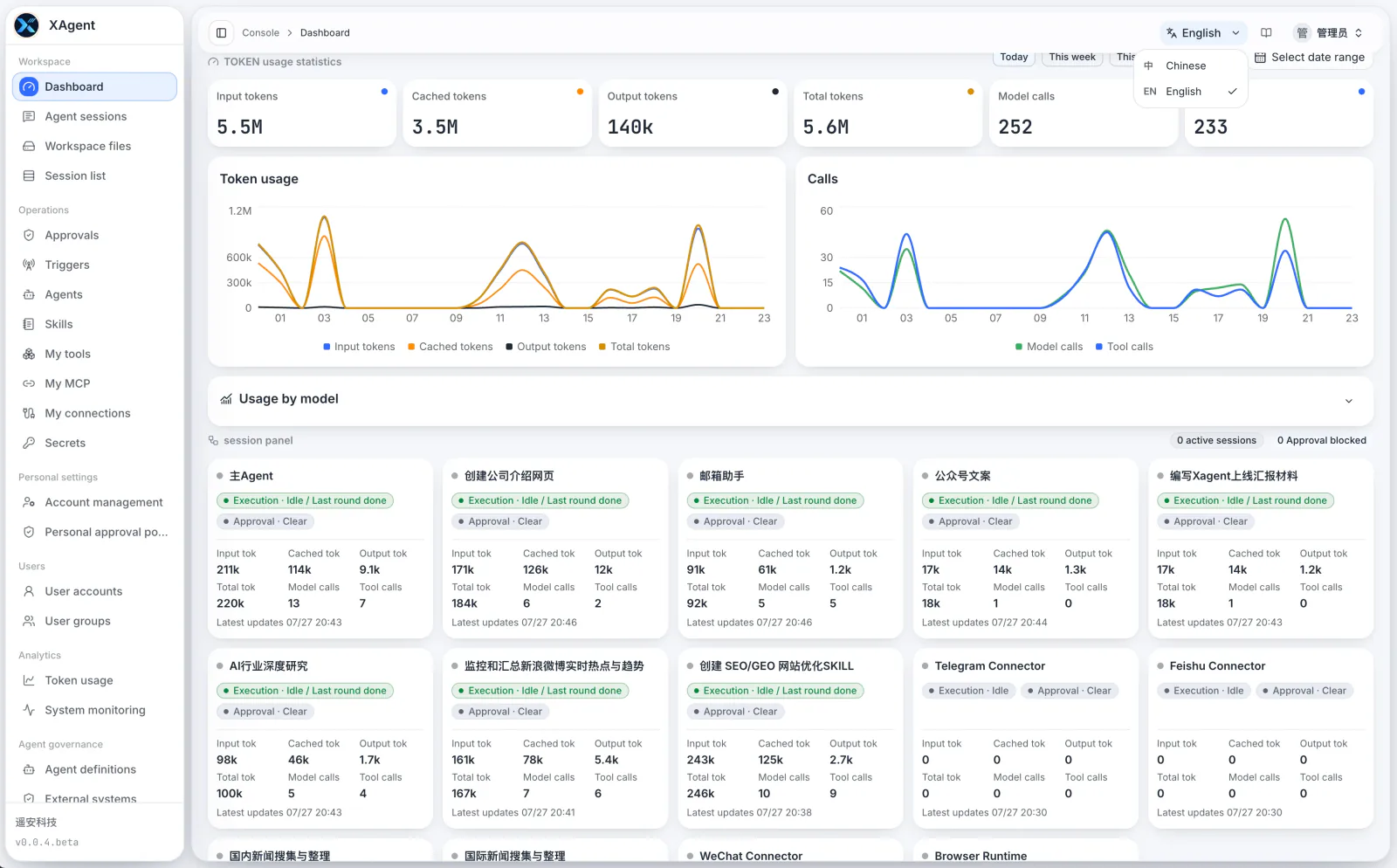
The Core Difference Between the Two Models
A desktop Agent is tied to one person, one device, and one local environment. A server-side Agent runs as a long-lived service. Users submit, follow up on, and confirm tasks through the Web or authorized IM Connectors.
| Question | Running on a personal computer | Running on a server |
|---|---|---|
| Task after the user leaves | May stop when the device sleeps, shuts down, or loses connectivity | Submitted work can continue running |
| Shared use | Each person installs, configures, and maintains their own setup | Administrators prepare shared foundations and users work from them |
| Files and results | Often spread across individual devices | Kept in server-side workspaces |
| External-system access | Often relies on a personal environment and temporary credentials | Connection methods, health, and approval boundaries can be governed centrally |
| Maintenance | Every device must be upgraded and debugged separately | Upgrades, backups, and runtime observation are centralized |
Neither model is universally better. The right choice depends on whether tasks need to persist, whether people share the same capabilities, whether files need a central home, and whether external actions need clear controls.
When a Personal Computer Is Enough
A desktop setup is usually enough when:
- You are experimenting with models, prompts, or automation ideas alone.
- Tasks finish in a few minutes and the computer is normally online.
- Materials and results do not need to be reused or centrally retained by others.
- There is no need for long-lived connections to business systems, messaging channels, or scheduled triggers.
This model starts quickly and keeps the environment visible. Its trade-off is that the task and configuration are easily tied to one device.
When a Server Is the Better Choice
Consider a server-side deployment as soon as one of the following becomes true.
Work Cannot Depend on a User's Computer Being Online
Document analysis, report generation, recurring checks, and work that waits for external replies should not stop just because someone closes a laptop. A server-side Agent lets the user leave the page and return later to inspect progress and results.
A Team Should Not Configure the Same Capabilities Repeatedly
Teams normally need a verified set of models, Skills, Tools, MCP servers, Connectors, and approval policies. Once an administrator prepares those foundations, ordinary users can submit a goal and materials without needing to understand every model parameter, tool protocol, or permission detail.
Files and Results Need a Shared Home
Tasks produce input materials, intermediate files, and final outputs. Keeping them in a server-side workspace lets sessions keep referring to the same materials and lets users review, download, or continue work later.
Central storage does not mean every user can see every file. xAgent applies separate visibility and access boundaries to its workspaces: users and their Agent Sessions read and write files only through xAgent-approved logical paths rather than by browsing host directories directly.
External Actions Need Approval and Traceability
When an Agent sends messages, changes external data, or calls consequential tools, teams should not rely solely on the model's judgment. A server-side deployment keeps models, Connectors, approval policies, and runtime records within one governance boundary.
A Server Deployment Is Not Zero Configuration
Running on a server does not make every decision automatically. The operator still needs to decide:
- Whether to use a local model, a private model gateway, or a third-party model API.
- Who can access the service and how public entry points are protected with HTTPS and network controls.
- Which MCP servers, Connectors, and external systems can be connected, and whose authorization each one uses.
- Which higher-risk actions need approval.
- How to back up the runtime directory, configuration, database, and Connector state.
The value of self-hosting is that these choices remain with the operator instead of being scattered across individual machines. Third-party model APIs, MCP servers, and external systems still handle data according to their own integrations; running xAgent on your server does not automatically keep every byte inside your environment.
A Practical Starting Path
You do not need to integrate every system on day one. A more practical sequence is:
- Install xAgent on a server that stays online.
- Connect one model that supports Tool calling.
- Complete one small, verifiable task using non-sensitive material.
- Verify file handling, workspaces, approvals, and backups.
- Add MCP servers or Connectors only for real needs, then expand to more users.
This validates the task path before concentrating every source of complexity into the first deployment.
Next Steps
- Read How to Deploy an AI Agent on Your Own Server.
- Follow Start Installation to deploy the server.
- Learn how xAgent isolates multi-user workspaces and task processes.
- Review approval policies to establish boundaries for external actions.